Show recruits what your clan is like.
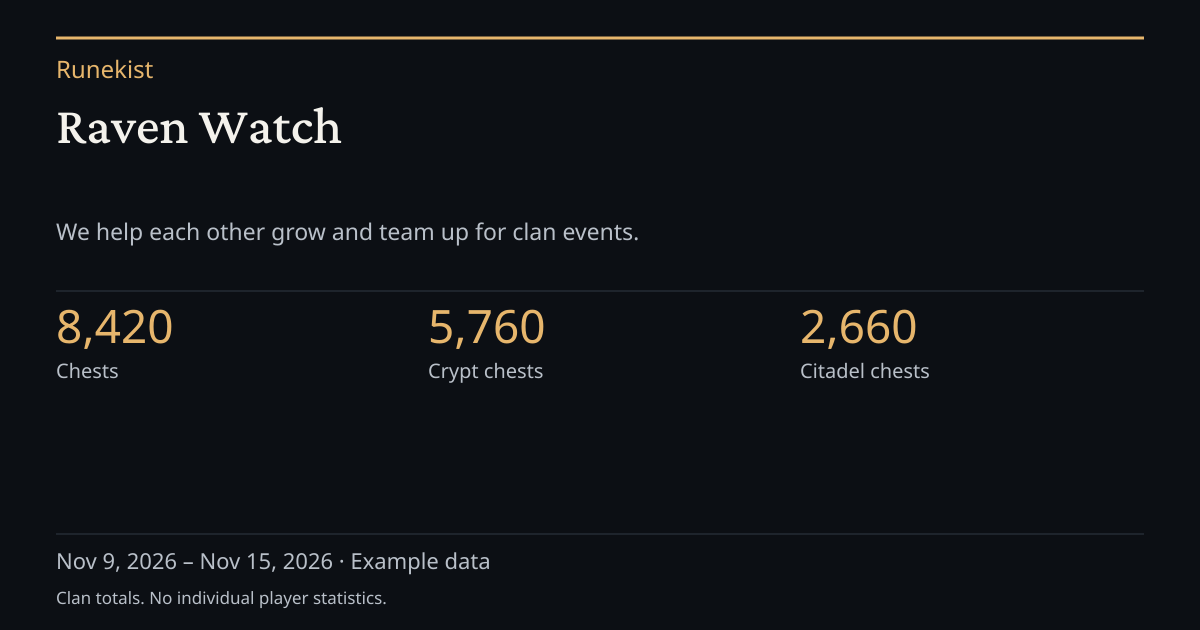
Publish a clan page with your introduction, rules and recent activity. Download a share image to post with the link, and open private applications whenever you’re ready.
How recruitment works
-
Publish your clan page.
Set your introduction and rules, choose which clan totals to show, and publish your permanent link. Closing applications keeps your clan page available.
-
Post the image and link.
Post the link wherever your clan recruits and attach the image if you like. The page and image show clan totals. You can include estimated rewards per member based on known drop rates.
-
Review applications privately.
Set your questions, message candidates as the clan, and approve candidates onto a waiting list. Send the Runekist invitation after the player has joined your clan in Total Battle.
Ready to share your clan?
Clan leaders and admins can open Leadership → People → Showcase and applications.